THE SHORT ANSWER
TACoS, total advertising cost of sales, is your Amazon ad spend divided by your total sales, paid and organic,
times 100. ACoS divides the same spend by ad-attributed sales only. There's no universal good TACoS. Set your
ceiling from your margin: margin before ad spend minus your target profit.
Amazon's own ACoS guide
defines ACoS and ROAS. It doesn't mention TACoS, and Amazon's ad reports don't
calculate it for you. Yet TACoS is often the number that shows whether advertising is building a business or renting
one.
ACoS tells you what each ad sale cost. TACoS tells you what share of all your Amazon revenue went to ads. A campaign
can post a great ACoS while total sales stall, and a rising ACoS can sit alongside a falling TACoS when ads are
lifting organic sales. This guide covers the formula, a worked example, how to set TACoS targets by product stage,
and how to bring it down without cutting the ads that are working. It's written for brands spending enough on Amazon
ads that the gap between those two numbers matters.
How do you calculate TACoS on Amazon?
IN SHORT
TACoS equals total ad spend divided by total sales, multiplied by 100, over the same period. Ad spend comes from
Amazon Ads Agent (formerly the ads console). Total sales come from Seller Central's Business Reports, usually the
Ordered product sales field. Amazon doesn't report TACoS as one number, so you join the two yourself.
TACoS = (total ad spend ÷ total sales) × 100
Here is one month for an illustrative brand: $4,800 in ad spend, $16,000 in ad-attributed sales, and $60,000 in
total sales.
30%
ACoS ($4,800
÷ $16,000)
|
3.33
ROAS ($16,000
÷ $4,800)
|
8%
TACoS ($4,800
÷ $60,000)
|
Illustrative example, not client data.
Next month, ad spend and ad sales stay the same, but total sales rise to $75,000. ACoS is still 30%, while TACoS
falls to 6.4%. ACoS can't see organic growth; TACoS can.
One line connects the two: TACoS equals ACoS multiplied by the share of total sales that came from
ads.
Here that's 30% × 26.7% = 8%. When ads make up a smaller share of sales, TACoS falls even if
ACoS doesn't move.
Define your inputs before you compare
Two tools can report different TACoS for the same account because they count different things. Decide, write down,
and keep three choices: gross sales or sales net of refunds; sponsored ads spend only, or DVA+ and other Amazon ad
spend too; and one marketplace or several. Vendors face one more choice, because Amazon's retail sales of their
products and their own wholesale revenue are different figures. Pick one denominator and keep it.
TACoS vs ACoS vs ROAS
IN SHORT
TACoS, ACoS, and ROAS use the same ad spend but measure it against different sales. ACoS and ROAS look only at sales
Amazon attributes to ads. TACoS looks at every sale.
|
ACoS
|
ROAS
|
TACoS
|
| Formula
|
Ad spend ÷ ad sales × 100 |
Ad sales ÷ ad spend |
Ad spend ÷ total sales × 100 |
| Sales counted
|
Ad-attributed only |
Ad-attributed only |
All sales, paid and organic |
| Changes with Amazon's attribution rules
|
Yes |
Yes |
No. Total sales don't depend on attribution |
| Best for
|
Campaign and keyword decisions |
Comparing ad channels |
Judging advertising's weight on the whole business |
That third row matters more in 2026. On January 1, Amazon moved view-based conversions to a shopping-signal enhanced
last-touch model with a shorter window for Sponsored Brands, Sponsored Display campaigns billed on vCPM (including
branded keyword campaigns), and Amazon DSP (now DVA+) campaigns serving ads in the store. Click-based attribution
didn't change ( Amazon Ads). That can change how many sales those ads are credited with, and so
their ACoS and ROAS. TACoS doesn't depend on attribution at all. Our ACoS
guide
covers campaign-level targets.
What is a good TACoS on Amazon?
IN SHORT
There's no universal good TACoS, and published benchmarks disagree. One industry review found tool providers and
agencies giving conflicting ranges, sometimes on the same page, while Helium 10 and SellerApp decline to name a
figure ( PPC Land). A useful target comes from
your own margin, not someone else's average.
Amazon ties break-even ACoS directly to your profit margin ( Amazon Ads), and the same logic gives you a TACoS ceiling: margin before ad spend minus the net
profit you want to keep. If your margin before ads is 30% and you want 15% net, your sustainable TACoS ceiling is
15%. From there, each product stage has a different job.
| Product stage
|
Job of advertising
|
TACoS target, using the 30% margin example
|
| Launch |
Buy reviews, rank, and data |
Can run above 30% for a planned, time-boxed period with a budget cap |
| Growth |
Build organic rank on terms you're buying |
Between 15% and 30%, falling month over month |
| Mature |
Defend rank and share |
At or below the 15% ceiling |
| Declining or overstocked |
Clear inventory, protect margin |
Held low; spend only where it still converts |
Targets worked from one illustrative margin, not benchmarks. Your figures will differ.
What TACoS and ACoS tell you together
IN SHORT
Reading TACoS alongside ACoS shows more than either one alone. These patterns are prompts to investigate, not
verdicts.
| ACoS
|
TACoS
|
What it can mean
|
Check first
|
| Down |
Down |
Ads more efficient, organic holding or growing |
Keep scaling carefully |
| Up |
Down |
Total sales growing faster than ad spend, which can signal organic lift |
Profit, not just ACoS |
| Down |
Up |
Spend growing faster than total sales, or total and organic sales falling |
Budget changes, rank, listing, stock, Buy Box |
| Up |
Up |
Paying more per sale with no organic lift |
Search terms, bids, negatives |
TACoS also moves for reasons unrelated to ads. It falls when organic sales rise from a price cut, a competitor
stocking out, or seasonality, and it jumps when you run out of stock. Rule those out before crediting or blaming the
ads.
TACoS calculator
IN SHORT
Pull three numbers for the same date range, then apply four formulas.
Inputs
- Ad spend:
Amazon Ads Agent (formerly the ads console)
- Ad-attributed sales:
Amazon Ads Agent (formerly the ads console)
- Total sales:
Seller Central Business Reports, Ordered product sales
Outputs
| Output
|
Formula
|
| TACoS |
Ad spend ÷ total sales × 100 |
| ACoS |
Ad spend ÷ ad sales × 100 |
| ROAS |
Ad sales ÷ ad spend |
| Organic share |
(Total sales − ad sales) ÷ total sales |
Ad sales follow Amazon's attribution windows and total sales have none, so the last few days of any range will
shift. Use matching dates for both sources.
How to lower TACoS on Amazon
IN SHORT
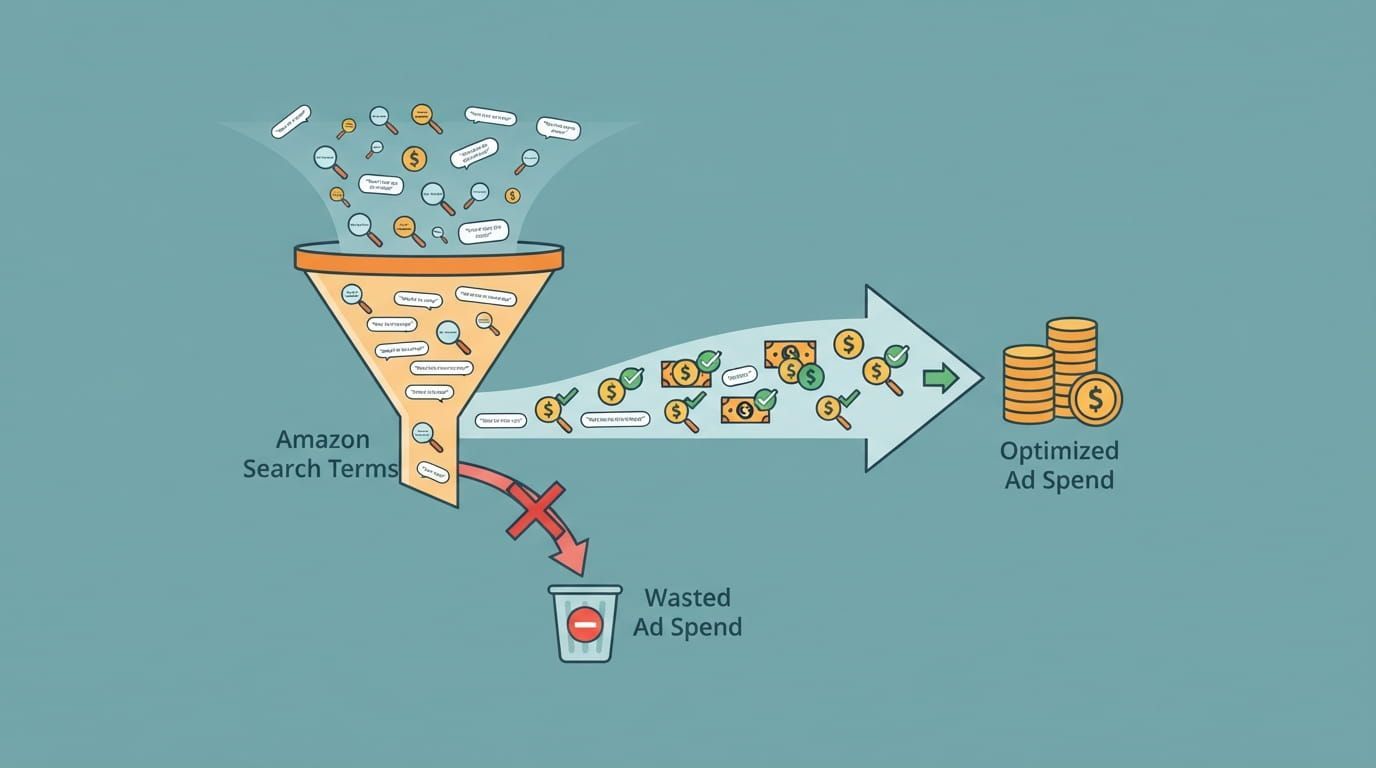
You lower TACoS one of two ways: spend less on ads that don't sell, or grow total sales faster than ad spend. The
second is healthier, because cutting ads blindly can also cut the organic rank they were supporting.
- Cut wasted spend first.
Remove search terms that spend without converting. Our negative keywords guide
gives the click and spend checks.
- Raise listing conversion.
Every extra conversion lifts paid and organic sales at the same
time. If clicks are healthy but sales lag, the listing is often the problem.
- Build organic rank on the terms you buy.
Align titles and backend fields with your best
converting search terms, using our keyword research guide.
- Protect the Buy Box.
Ad clicks that land on an unauthorized seller's offer cost you without
selling your stock. See how brand protection affects PPC performance.
- Reduce spend one campaign at a time.
Lower bids on a mature product and watch total sales
for a few weeks before cutting further. If organic sales hold, the ads weren't carrying them.
FROM THE CMO DESK
Across 16 years and more than 100 brands, one question settles most TACoS debates: are total sales growing faster
than ad spend? If they are, a higher ACoS can be worth paying. If they aren't, a good ACoS is hiding a business
that depends on ads. Reading those numbers together each month is part of how our Amazon
PPC management
team works.
Is your TACoS telling you something your ACoS isn't?
If you can't say whether your ads are building organic sales or replacing them, start with an audit. CMO's Amazon PPC management
includes a full campaign audit for existing accounts.
Amazon TACoS: Questions Sellers Ask Before Setting a Target
Q What is a good TACoS on Amazon?
One that leaves you the profit you planned. Subtract your target net margin from your margin before ad spend, and
that's your ceiling. Launch products can run above it for a set period, and mature products should sit at or below
it.
Q How do you calculate TACoS?
Divide total ad spend by total sales for the same period, then multiply by 100. For example, $4,800 in ad spend
against $60,000 in total sales is an 8% TACoS. Total sales include both organic and ad-attributed sales.
Q What's the difference between TACoS, ACoS, and ROAS?
ACoS and ROAS compare ad spend with ad-attributed sales, one as a percentage and the other as a multiple. TACoS
compares ad spend with all sales. Use ACoS and ROAS for campaign decisions and TACoS for the whole business.
Q Where do I find TACoS in Seller Central?
You won't find it as one number. Take ad spend from Amazon Ads Agent (formerly the ads console) and total sales from
Seller Central's Business Reports for the same dates, then divide. Many PPC tools calculate it once both are
connected.